Screen Studio
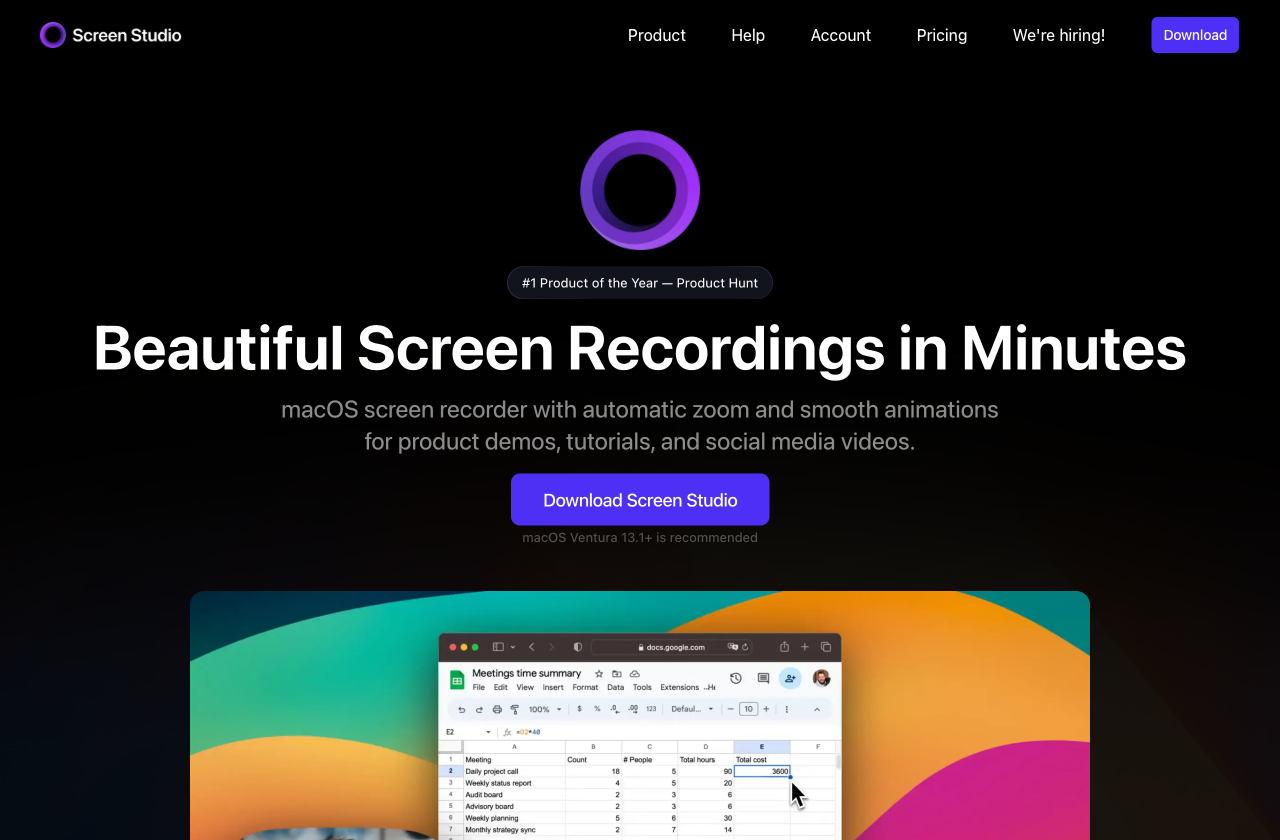
macOS screen recorder that automatically produces polished demo videos: smooth zoom-ins on clicks, cursor motion smoothing, device frames and quick exports for social. Popular with indie developers and product marketers for product demos. ~$89 one-time license with 1 year of updates.
first seen 11 Feb 2026
Who actually uses Screen Studio
From tracked mentions across YouTube, podcasts, X and newsletters. Active = mentioned in the last 120 days.
- No adoption data yet.
The receipts
Verbatim quotes, ≤120 characters, linked to the second they were said.
No public mentions yet.
Is there a newer or better tool?
No public switch source is available here for a move away from Screen Studio. This does not establish that nobody switched. Other tracked tools in Screen Recording & Live Production are listed below.
Alternatives in Screen Recording & Live Production
FAQ
What is Screen Studio?+
Screen Studio is a macOS screen recorder that auto-adds smooth zooms, cursor smoothing and device frames to produce polished product demo videos.
How much does Screen Studio cost?+
Screen Studio is sold as a one-time license of roughly $89 including a year of updates; pricing has shifted over time, so check the site.
Which creators use Screen Studio?+
Creators tracked in the screen-recording category — see the receipts on this page.